Event rentals / Guides
Trade show guide
Golf simulators for trade shows
A simulator stops people walking past your booth. Here's how to fit one in, follow the show rules and come home with leads.
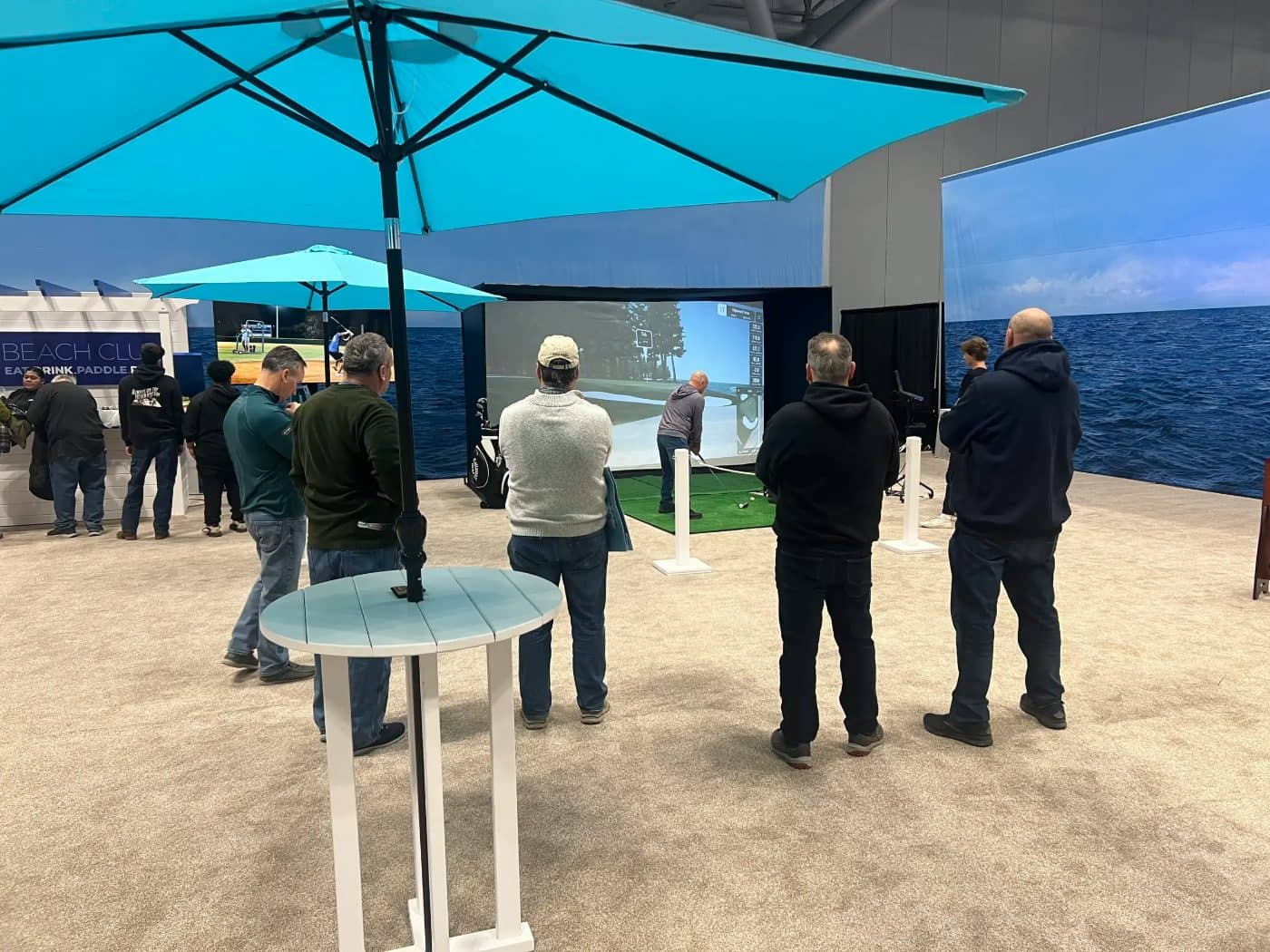
Photo: Los Virtuality
Fitting it in the booth
- Most bays want about 12 by 20 feet including the hitting area. Leave room for a short queue that doesn’t block the aisle.
- Put the screen at the back of the booth facing the aisle, so passers-by see the shot.
- Check the exhibitor manual for height limits and whether your booth type allows a full enclosure.
Power, labor and show rules
- Order a dedicated electrical drop through show services as early as you can. Late orders cost more.
- Many venues control who can do load-in, rigging and setup. Send the rental company the exhibitor manual so they can confirm they’re allowed to set up, or plan for show labor.
- Ask for the company’s certificate of insurance; most shows require one from every contractor on the floor.
- Book the move-in and move-out windows, not just show hours. Multi-day shows usually leave the unit in place overnight.
Games that draw a crowd
- Closest to the pin. One shot each, a leaderboard on a screen and a daily prize. Fast and easy to understand.
- Long drive. Draws the better golfers and a crowd to watch them.
- Your logo on screen. Many companies can brand the screen or the balls. Ask what it costs.
Turning swings into leads
Make the badge scan the entry fee for the leaderboard. Ask one qualifying question while people wait in line, and follow up after the show with their score. Some companies offer their own lead capture screens, so ask.
Planning a company party instead? See the corporate events guide.
Questions
What booth size do I need for a golf simulator?
A 10 by 20 inline booth is tight but workable with a compact bay. A 20 by 20 island is comfortable and leaves room for a queue and a table. Always check the height limit in the exhibitor manual.
Does a golf simulator really bring people to a booth?
It gives people a reason to stop and a reason to wait, which is what a booth needs. The leads only come if you capture them, so plan the badge scan or sign-up into the game.
Can the rental company staff the booth?
Most event companies send an attendant to run the simulator, reset balls and keep the line moving. Your own team should still do the talking and the badge scanning.
Companies that do trade shows
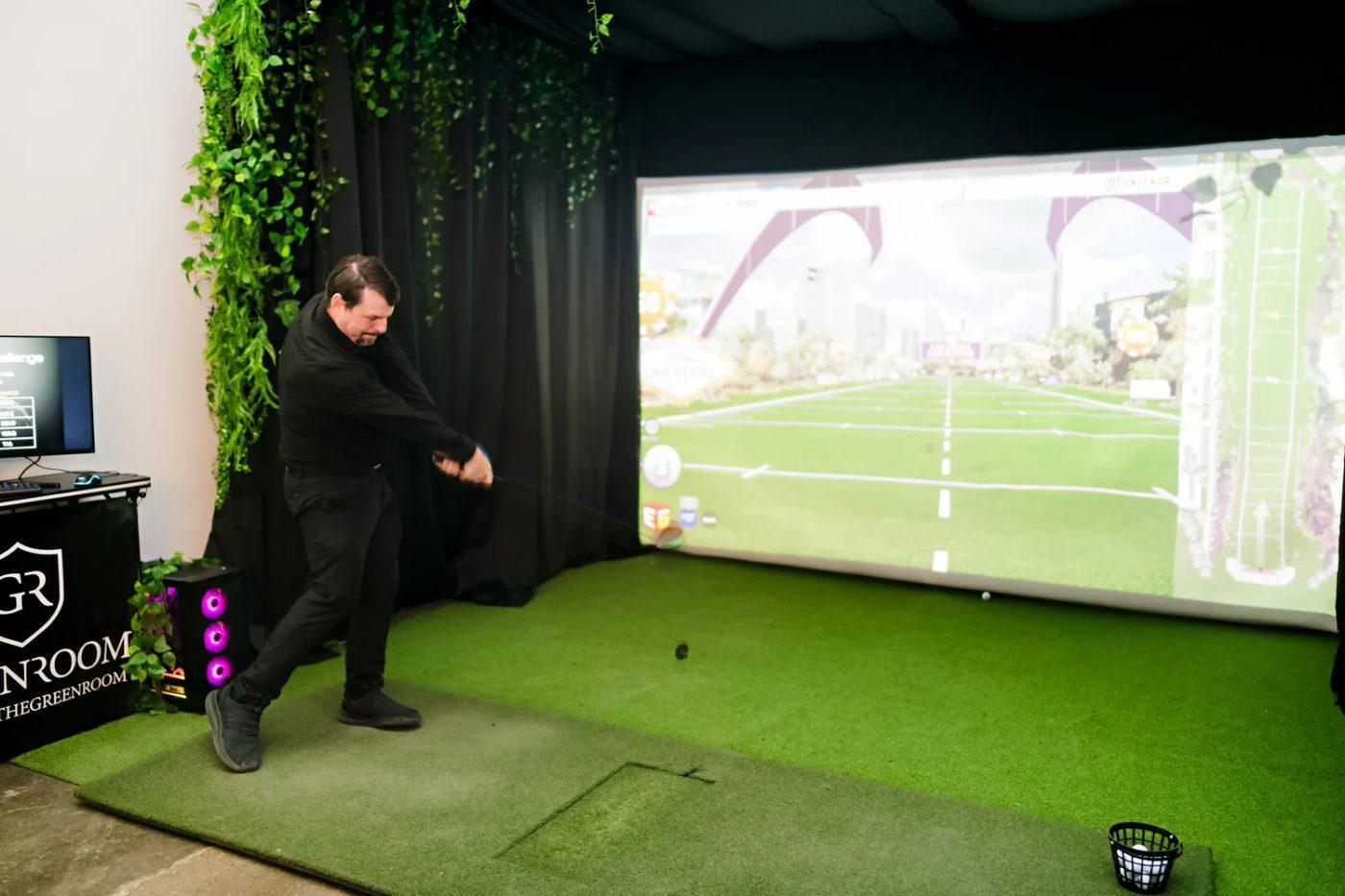
The Greenroom
Kansas City, MOAttendant included · UneekorLearn more & get a quote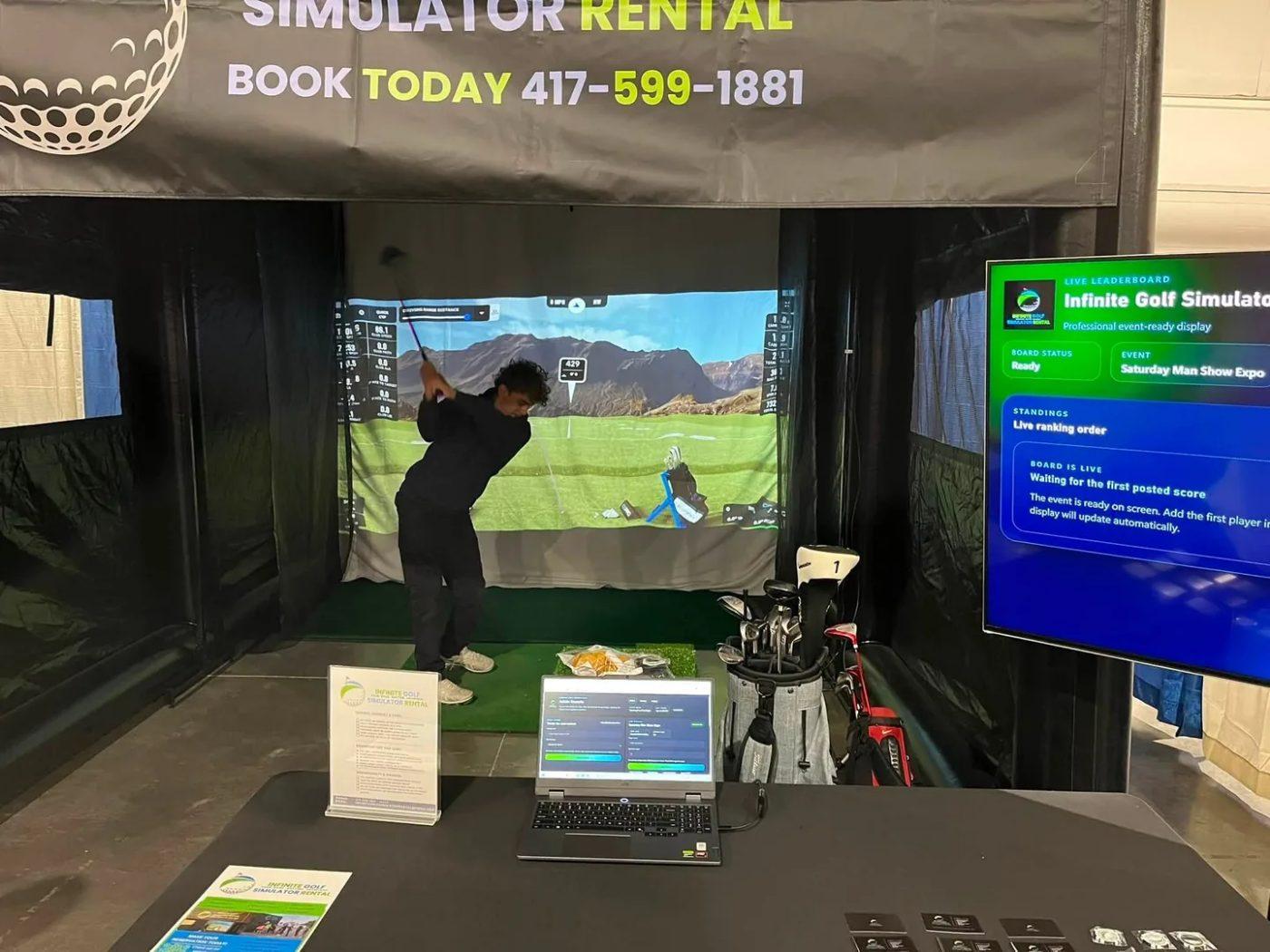
Infinite Golf
Bolivar, MOFrom $450Inflatable enclosure · Attendant includedLearn more & get a quote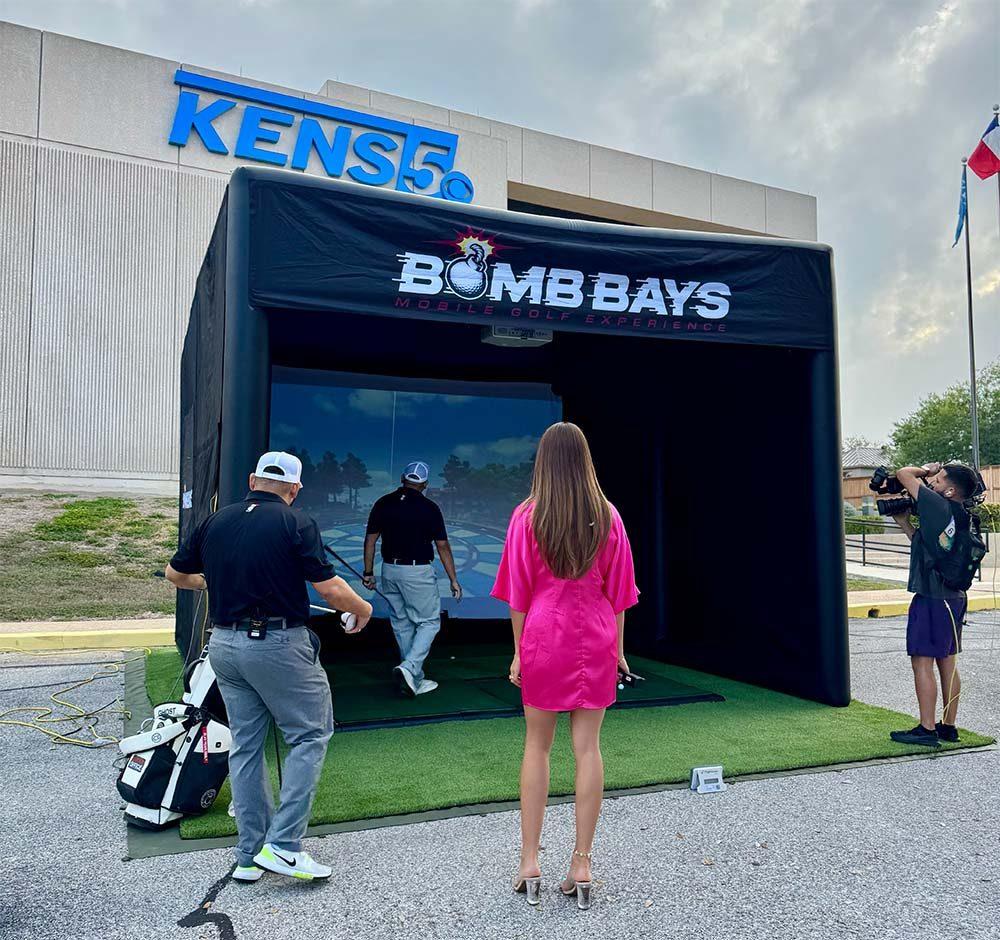
Bomb Bays Mobile Golf Experience
San Antonio, TXFrom $550 for 2 hoursInflatable enclosure · Attendant includedLearn more & get a quote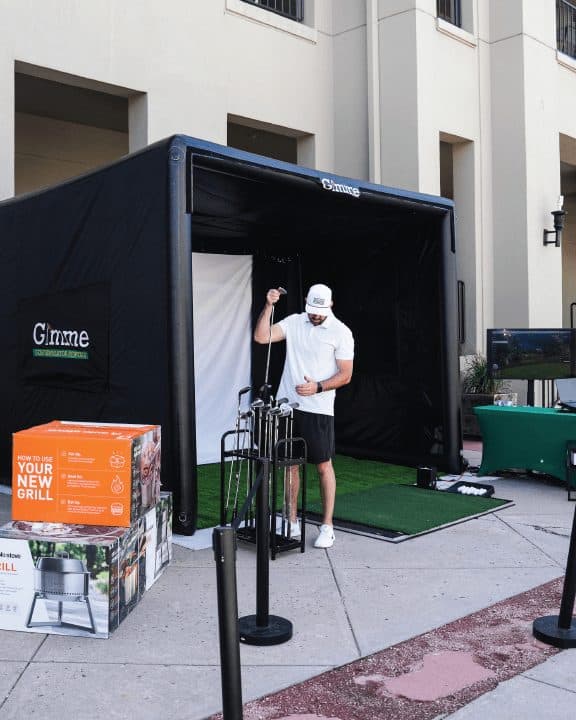
Gimme Golf Simulators
Denver, COAttendant includedLearn more & get a quoteHit A Few Golf
Henderson, NVAttendant includedLearn more & get a quoteGolf Lab Mobile
Davenport, IALearn more & get a quoteGet quotes for your event
One request goes to up to three companies that cover your city. They reply to you directly.
More planning guides
- What a golf simulator rental costsEvery price our listed companies publish, and what moves a quote.
- Space, ceiling and powerHow much room each kind of setup needs, indoors and out.
- Corporate events and holiday partiesTeam outings, client nights and how many guests get a turn.
- Fundraisers and charity golfPay-per-swing games, hole-in-one prizes and sponsor branding.